
11 Best Hard Disk Brands in India to Store Your Data

Quick Answer
Western Digital, Seagate and Toshiba are the main HDD brands to consider in India, with options for desktop storage, NAS, CCTV and portable backup. If you want faster performance, SSD brands like Samsung, Crucial, Kingston and Lexar are better suited.
Before buying, compare the exact model, capacity, warranty and recording technology. You can also compare prices across stores like Amazon, Flipkart and Croma through CashKaro and check the available Cashback before placing your order.
Choosing the right hard disk is not just about picking a well-known brand. Different drives are designed for different purposes, such as everyday storage, backups, NAS systems, surveillance and high-performance use.
Factors like storage capacity, workload, recording technology, warranty and price can make one model more suitable than another.
This guide compares the leading hard disk and storage brands in India and explains what each is best suited for, so you can choose the right option for your needs.
11 Best Hard Disk and Storage Brands in India
Western Digital
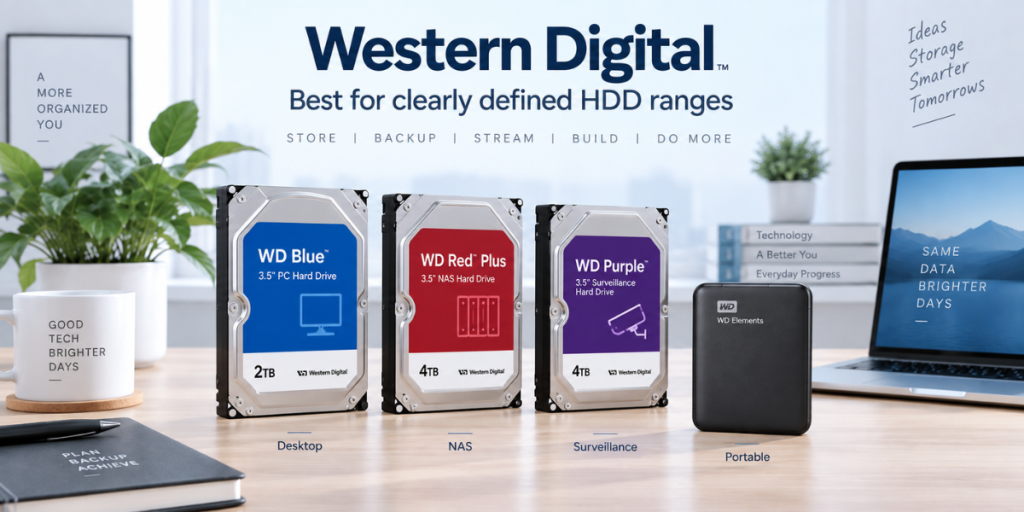
Best for: Buyers who want a clearly defined HDD range for desktop PCs, NAS systems, surveillance and portable backup.
Western Digital is one of the easiest HDD brands to understand because its major product families are built around specific workloads. This makes it useful for buyers who want to quickly match a drive to their use case instead of comparing dozens of similar-looking models.
WD Blue is the mainstream choice for everyday desktop storage. It works well as a secondary drive for documents, photos, videos and other files when you need more internal capacity without paying for a higher-end model.
WD_BLACK sits above it as the performance-focused HDD range. It is designed for users who want higher-capacity mechanical storage with stronger performance characteristics. It can make sense for gaming libraries, large media collections and workstation storage, although an SSD will still be much faster for game loading and applications.
For NAS systems, WD Red Plus is the more suitable choice. It uses CMR and is designed for NAS environments where drives may operate for long periods and several disks may be installed together. WD Red Pro is the step-up option for larger or more demanding NAS setups.
For surveillance, WD Purple is designed for continuous video recording and supports up to 64 cameras on applicable models. This makes it more suitable for DVR and NVR systems than a general desktop HDD.
For portable backup, WD Elements is the simpler option if you mainly want extra storage. WD My Passport adds features such as password protection and hardware encryption, making it a better choice for users carrying personal or work files.
Choose Western Digital if: You want a broad, clearly organised product range and prefer being able to pick a drive based directly on whether you need desktop, NAS, CCTV or portable storage.
Seagate
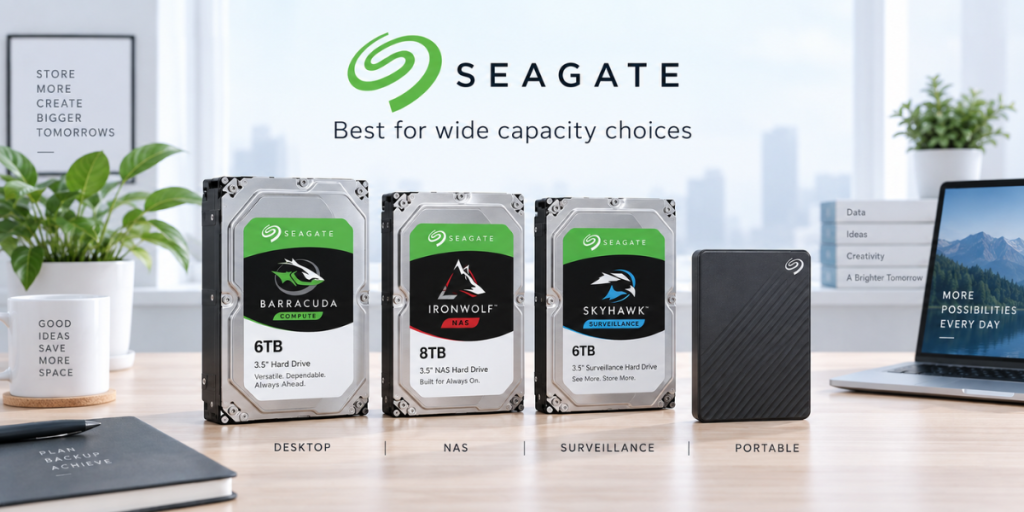
Best for: Buyers looking for desktop storage, NAS drives, surveillance HDDs and a wide range of capacities.
Seagate competes across nearly every major HDD category, making it a strong option for buyers who want plenty of capacity and workload choices.
BarraCuda is Seagate’s mainstream desktop range. It is designed for everyday storage such as media libraries, documents, games and general PC files. One thing buyers should check is the exact capacity and model because recording technology can vary. Seagate currently lists some BarraCuda models as SMR while others use CMR.
For NAS users, IronWolf is the more suitable family. It uses CMR and is designed for systems where multiple hard drives may run together for long periods. This makes it better suited to home servers and NAS boxes than a standard desktop HDD.
IronWolf Pro is intended for heavier workloads and larger NAS systems. It generally carries a five-year limited warranty, and applicable models may also include Seagate’s Rescue Data Recovery Services, which can be useful if the drive suffers certain types of failure.
For surveillance, SkyHawk is built for continuous video recording in DVR and NVR systems. SkyHawk AI moves further up the range for more demanding surveillance setups that use video analytics or AI-enabled cameras.
For portable storage, Seagate Expansion is the straightforward option for backups and extra capacity, while One Touch adds a more polished portable-storage experience and additional software-oriented features.
Choose Seagate if: You want a wide choice of capacities, need a drive specifically for NAS or surveillance, or prefer a brand with options ranging from basic portable storage to enterprise-level HDDs.
Toshiba
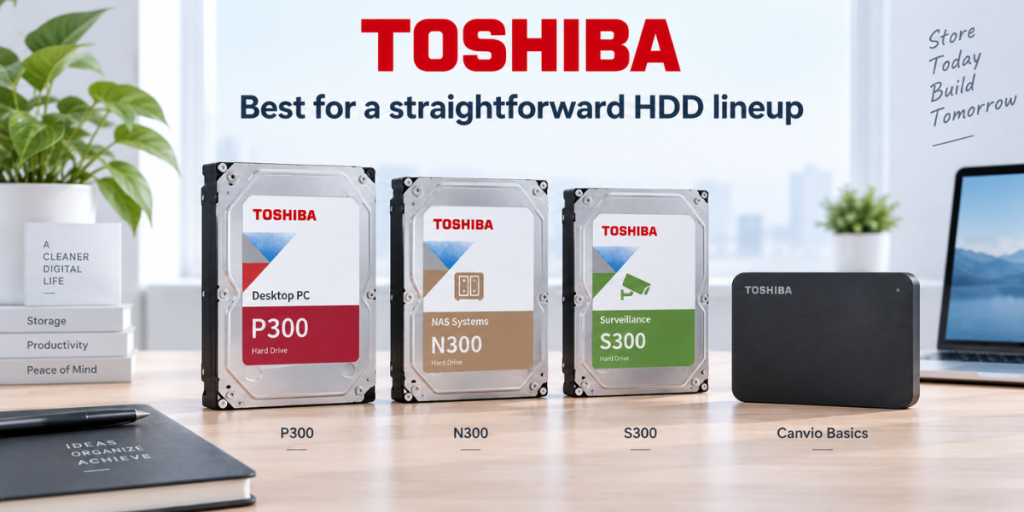
Best for: Buyers who want a simpler HDD lineup across desktop, NAS, surveillance and portable storage.
Toshiba offers fewer overlapping ranges than some competitors, which can make its product lineup easier to navigate.
P300 is the mainstream desktop HDD family. It is suitable for additional PC storage, including documents, photos, videos and general media libraries.
For users who want stronger mechanical-drive performance, X300 is positioned above the P300. It is aimed at higher-performance desktops, gaming systems and workstations where large-capacity storage is still required.
For NAS systems, N300 is Toshiba’s main option. Current models support 24/7 operation and carry workload ratings of up to 180TB per year, making them suitable for home and small-business NAS environments.
For surveillance, S300 is designed for continuous video recording and supports up to 64 cameras on applicable models. Some current capacities use SMR, which shows why the drive’s intended workload matters more than simply choosing between CMR and SMR.
For portable storage, Canvio Basics is aimed at buyers who want simple plug-and-use backup storage without paying for many additional features. It is particularly suitable for storing photos, documents and laptop backups.
Choose Toshiba if: You want a relatively straightforward HDD lineup and find a Toshiba model offering the right capacity and price for your workload.
Transcend
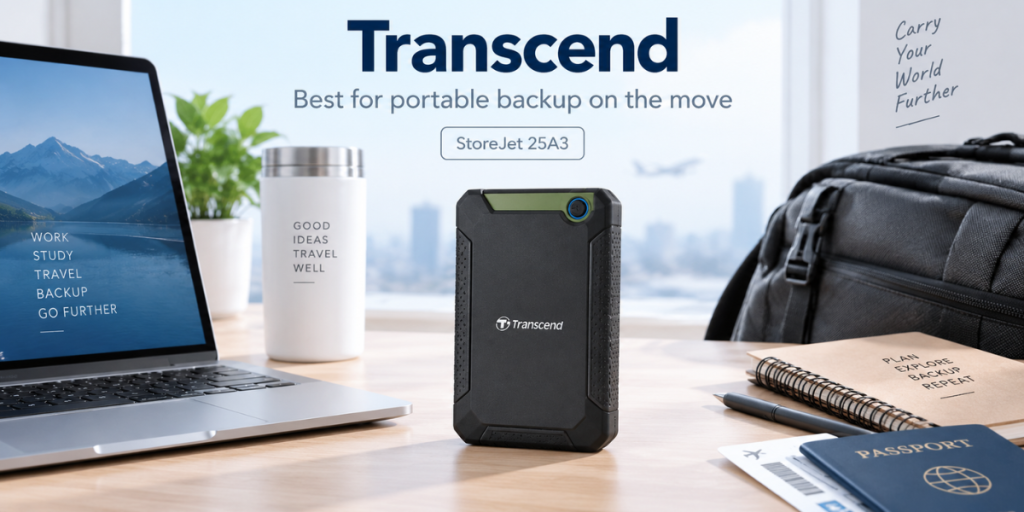
Best for: Portable HDDs for users who frequently carry their storage between locations.
Transcend’s main strength is not the HDD mechanism itself but the complete external-drive package, including the enclosure, portability, software and warranty.
The StoreJet 25A3 is one of the brand’s better-known portable HDD options. It is available in 1TB and 2TB capacities and uses a USB 5Gbps connection, making it suitable for routine backups, documents, media files and general external storage.
It comes with a three-year limited warranty and works with Transcend’s Elite software, which provides features such as backup management and encryption.
The bigger reason to consider Transcend is how the product is designed for portable use. It makes more sense for someone who regularly moves files between home, office or college than for a user who plans to leave an external drive permanently beside a desktop.
This is also where Transcend differs from simply buying the cheapest portable HDD available. You are paying for the complete external-storage design and supporting software, rather than only capacity.
Choose Transcend if: You regularly carry your drive, value portable-drive features and want more than a basic external HDD used only for occasional desk backups.
G-DRIVE
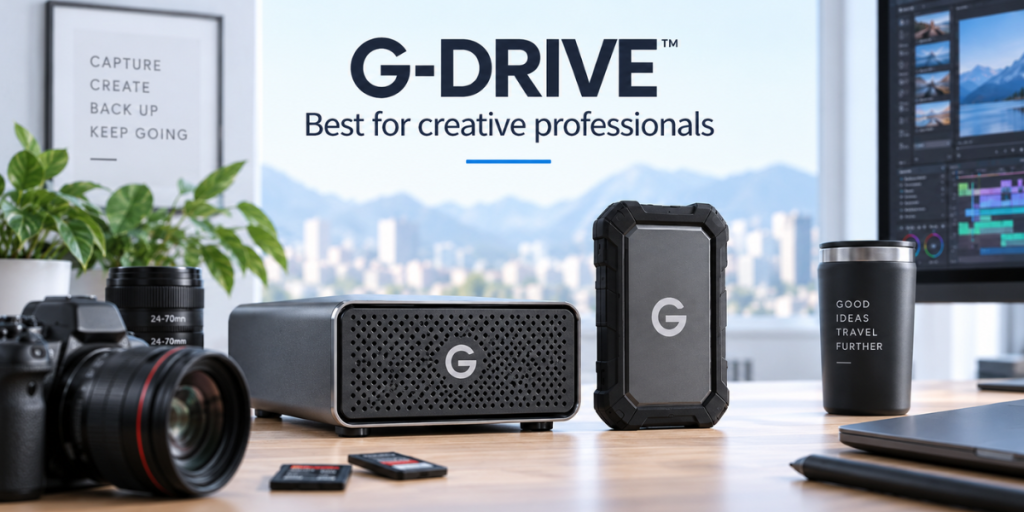
Best for: Photographers, videographers and creative professionals who need high-capacity external HDD storage.
G-DRIVE products are aimed at a more professional audience than ordinary consumer external hard drives.
An important brand update is that SanDisk became an independent company after separating from Western Digital in February 2025. HDD products from the former professional storage portfolio remain associated with Western Digital rather than SanDisk’s current flash-storage business.
The main appeal of G-DRIVE is that its products are designed around creative workflows where large photo, video and project libraries need to be stored and accessed regularly.
Portable models such as ArmorATD are built for field use and are more suitable for photographers, videographers and other professionals who need to carry large amounts of data while travelling or shooting on location.
Desktop G-DRIVE models, meanwhile, focus on larger capacities for users who keep extensive media libraries at a workstation. They are better suited to storing RAW photos, high-resolution video, project files and long-term creative archives than a basic portable HDD.
The premium over a standard external drive mainly comes from the more specialised enclosure, professional positioning and workflow-oriented design rather than simply from storing data differently.
Choose G-DRIVE if: You regularly work with large photo or video files and want external storage designed around professional, high-capacity or field-based workflows.
Samsung
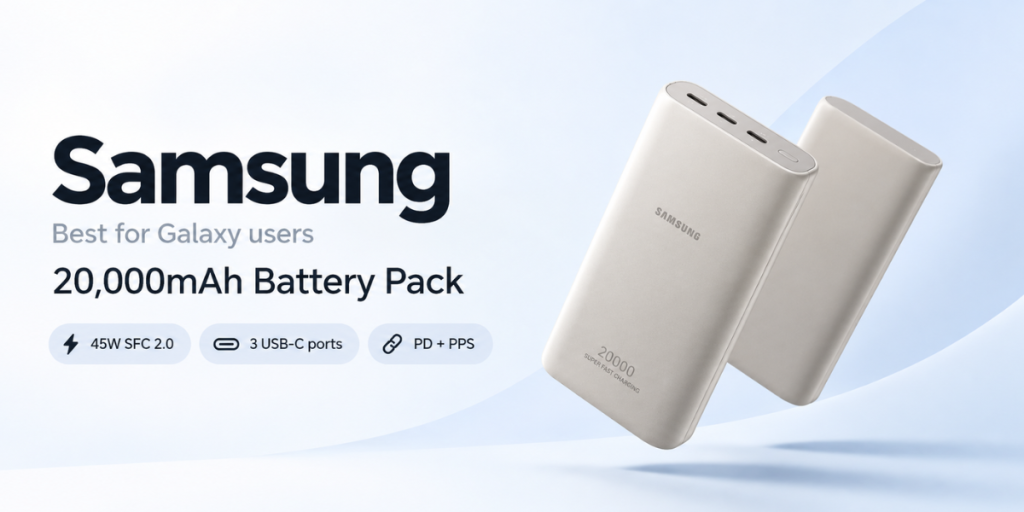
Best for: Fast portable SSDs and premium internal storage.
Samsung is primarily an SSD brand today rather than a mechanical hard drive manufacturer. Its biggest advantage is high-speed storage for users who regularly move large files, edit videos, play games or run demanding applications.
The Samsung T9 Portable SSD is one of its premium external storage options. It offers sequential read speeds of up to 2,000MB/s and write speeds of up to 1,950MB/s or 2,000MB/s, depending on capacity. This makes it considerably faster than a traditional portable HDD and suitable for moving large video projects, RAW images and other heavy files.
It also supports AES 256-bit hardware encryption, which is useful if the drive carries sensitive work files, and comes with a five-year limited warranty.
Another advantage is portability. Unlike an HDD, an SSD has no moving mechanical parts, so it is better suited to users who regularly carry their storage between home, office or shooting locations.
For internal storage, Samsung also has a strong NVMe SSD range for laptops and desktops where faster boot times, software loading and file transfers are the priority.
Choose Samsung if: You are a video editor, photographer, gamer or professional who values speed, portability and premium SSD performance more than the lowest cost per TB.
Crucial
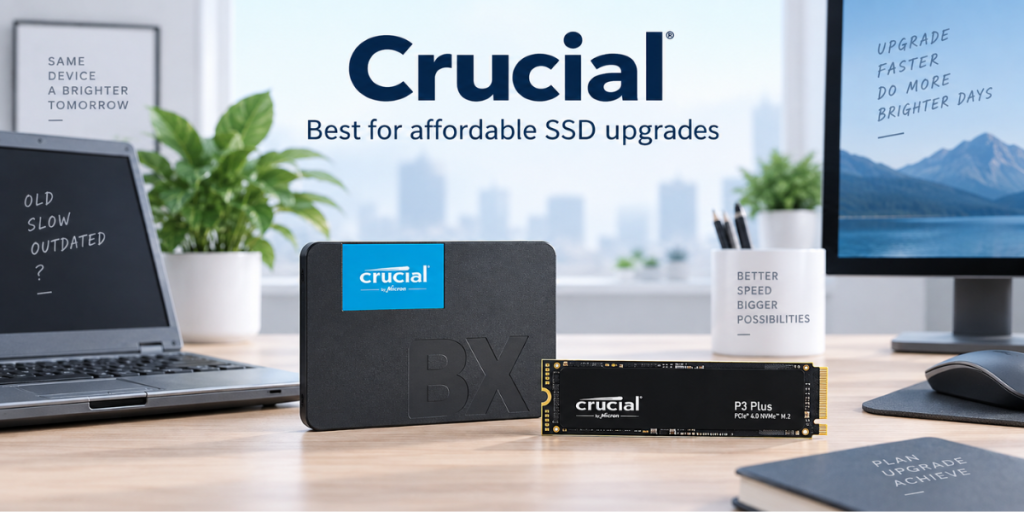
Best for: Affordable SSD upgrades for older laptops and desktops.
Crucial is a strong option for buyers who want to make an older computer noticeably faster without moving into premium SSD pricing.
The Crucial BX500 is a 2.5-inch SATA SSD designed for laptops and desktops that use a traditional SATA drive bay. The 1TB model offers sequential speeds of up to 540MB/s read and 500MB/s write.
Its biggest advantage is not simply the benchmark speed. Replacing an old mechanical HDD with the BX500 can significantly improve everyday tasks such as starting Windows, opening applications, loading browser tabs and transferring files.
This makes it particularly useful for older laptops that still work well but feel slow because they are running their operating system from a mechanical hard drive.
For newer systems with an M.2 slot, the Crucial P3 Plus is the better option. It uses PCIe Gen4 and offers read speeds of up to 5,000MB/s, making it much better suited to gaming PCs, newer laptops and heavier applications.
So Crucial gives buyers a clear upgrade path: BX500 for older SATA-based machines and P3 Plus for newer NVMe-compatible systems.
Choose Crucial if: You want a noticeable performance upgrade at a sensible price, especially for an older laptop or a mid-range PC build.
LaCie
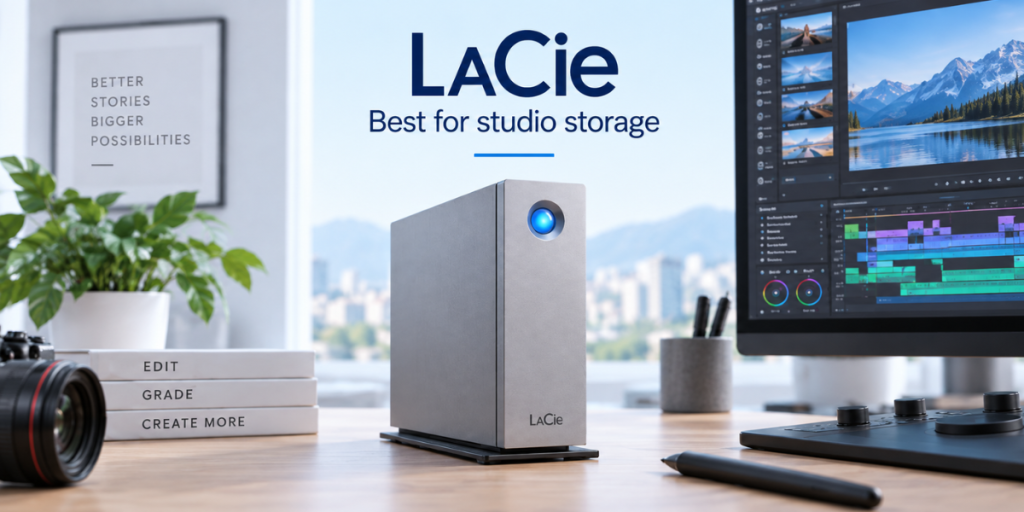
Best for: Creative professionals who work with large photo and video libraries.
LaCie is Seagate’s professional storage brand and is aimed more at photographers, video editors, designers and studios than casual home users.
The LaCie d2 Professional is a high-capacity desktop external drive designed for users who regularly work with large files rather than simply storing occasional backups.
Current models offer transfer speeds of up to around 260MB/s or 290MB/s, depending on capacity. That is still much slower than a modern portable SSD, but the advantage of the d2 Professional is that it combines high HDD capacities with professional desktop connectivity and a five-year limited warranty.
This makes it useful for storing large video projects, photo libraries, project archives and other files that would become expensive to keep entirely on SSDs.
Its desktop format also means it is better suited to a fixed workstation than to someone who wants to carry a drive every day.
The premium over a basic external HDD therefore makes the most sense when the drive is part of a professional creative workflow and is accessed regularly.
Choose LaCie if: You work with large media libraries and want high-capacity professional storage for a permanent desk or studio setup.
ADATA
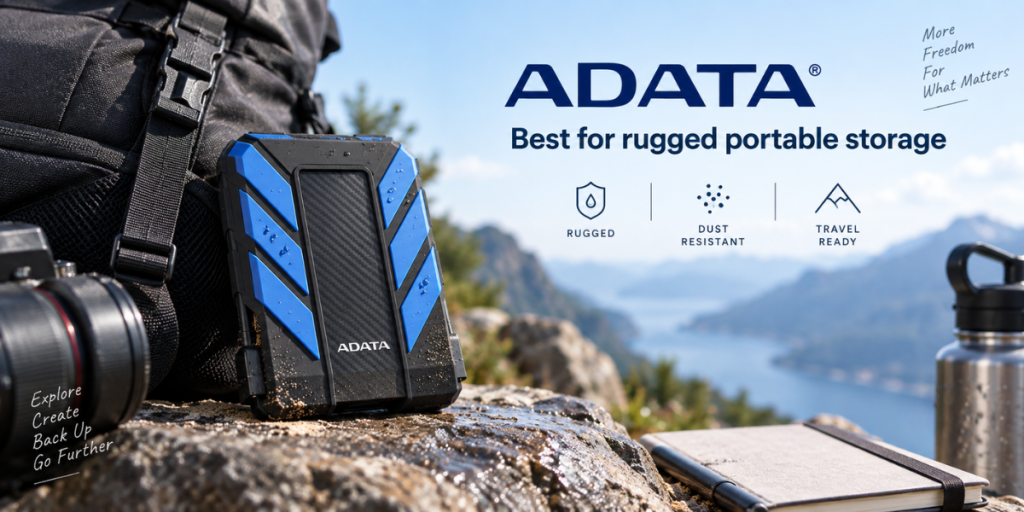
Best for: Rugged portable HDDs for travel and field use.
ADATA stands out in the external HDD category because it offers models designed to handle rougher use than a standard portable drive.
The ADATA HD710 Pro is a good example. It uses a triple-layer protective design and is built for buyers who regularly carry their storage in backpacks, camera bags or work equipment.
It is rated for:
- Drops of up to 1.5 metres under test conditions
- IP6X dust protection
- Water resistance beyond IPX8 test conditions
- Built-in shock sensing
- Capacities of up to 5TB
- A three-year limited warranty
The shock sensor is particularly useful because it can detect strong vibration or impact and help protect the drive while it is operating.
Its main advantage over a normal portable HDD is therefore physical protection rather than speed. You are still getting mechanical hard-drive performance, but inside an enclosure designed for more demanding environments.
The trade-off is that rugged models are generally bulkier than slim portable HDDs.
Choose ADATA if: You travel frequently, work outdoors or regularly carry important files and want stronger physical protection than a basic external HDD provides.
Kingston
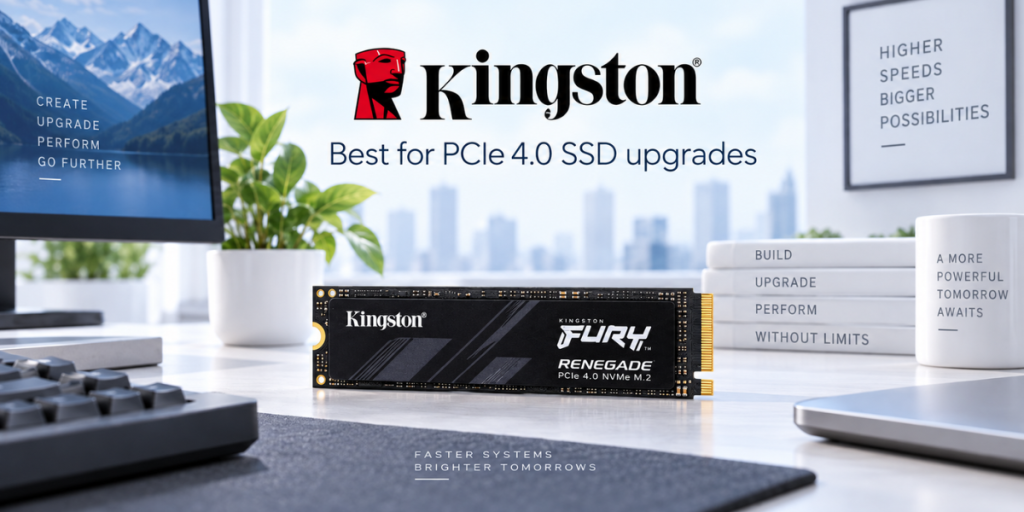
Best for: PCIe 4.0 SSD upgrades and compact M.2 storage.
Kingston is better known for memory and SSDs than mechanical hard drives, and its strength lies in practical internal storage upgrades.
The Kingston NV3 is a PCIe 4.0 NVMe SSD aimed at users upgrading a modern laptop, desktop or compatible handheld device.
Depending on capacity, current models offer sequential read speeds of up to 6,000MB/s and write speeds of up to 5,000MB/s. These speeds make it suitable for faster system booting, gaming, application loading and large file transfers.
One of its more useful advantages is that it is available in both M.2 2280 and M.2 2230 formats.
The standard 2280 version fits most desktop PCs and many laptops, while the smaller 2230 format can be used in certain compact laptops and handheld gaming devices where a full-size SSD will not fit.
It also comes with a five-year limited warranty, subject to its endurance conditions.
Kingston is therefore less about having the absolute fastest SSD on the market and more about offering practical performance, wide compatibility and multiple form factors.
Choose Kingston if: You want a current PCIe Gen4 SSD for a laptop or desktop, or specifically need a compact M.2 2230 drive.
Lexar
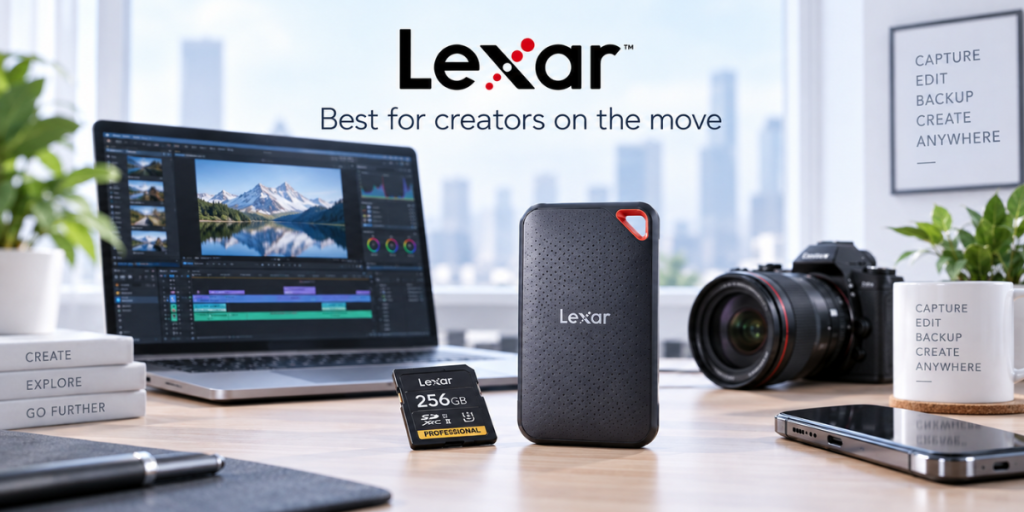
Best for: Compact portable SSDs for photographers, videographers and mobile creators.
Lexar is widely known for memory cards, but its portable SSD range is particularly relevant for users who need fast storage outside the computer.
The Lexar SL500 Portable SSD offers sequential speeds of up to 2,000MB/s read and 1,800MB/s write, making it suitable for transferring large photo libraries, 4K video files and other heavy creative projects.
Despite its performance, the drive weighs only around 43g, making it considerably easier to carry than a traditional portable HDD.
It is available in capacities of up to 4TB, which gives creators enough space for large projects without moving to a bulky desktop drive.
The SL500 also adds practical protection features. It is rated IP54 for dust and water resistance, has been tested for drops of up to two metres, and includes 256-bit AES encryption through Lexar’s DataShield software.
Its five-year limited warranty is another advantage for buyers looking for long-term portable storage.
The combination of speed, low weight and physical protection makes it particularly useful for photographers and video creators who frequently transfer content between cameras, phones and computers.
Choose Lexar if: You want a lightweight, high-speed portable SSD that is easy to carry and designed around photo, video and mobile content workflows.
HDD or SSD: Which Should You Buy?
Choose an HDD if you need:
- Large capacity at a lower cost per TB
- Backup storage
- Photo and video archives
- CCTV storage
- NAS storage
Choose an SSD if you need:
- Faster boot times
- Faster file transfers
- Better gaming performance
- Video editing storage
- Lightweight portable storage
SSDs generally cost more per TB, especially at higher capacities, but prices vary considerably by model and sale period.
Where to Buy Hard Drives and Earn Cashback
Hard drives and SSDs are widely available on Amazon, Flipkart and electronics retailers such as Croma.
Always compare the exact model number, not just the brand and capacity.
Before ordering, check:
- Seller reputation
- Manufacturer warranty
- Exact model number
- Invoice availability
- Return policy
You can also start your purchase through CashKaro and check the live cashback rate available for the retailer before placing your order.
5 Things to Remember Before Buying a Hard Disk
1. Match the drive to the workload.
Use desktop drives for desktop storage, NAS drives for NAS systems and surveillance drives for CCTV.
2. Check CMR or SMR where it matters.
CMR is generally preferable for NAS and RAID. For CCTV, prioritise a surveillance-rated HDD.
3. Check the exact model number.
Specifications can change between capacities within the same product family.
4. Check the warranty.
Warranty periods often differ even within the same brand.
5. Keep another copy of important files.
No hard disk or SSD is immune to failure.
How Much Storage Should You Buy?
| Use | Recommended Starting Point |
| Documents and basic backup | 1TB |
| Laptop backup | 1TB to 2TB |
| Photo library | 2TB to 4TB+ |
| 4K video archive | 4TB+ |
| Gaming library | 2TB+ |
| NAS | Depends on usable storage and redundancy |
| CCTV | Depends on cameras, bitrate and retention period |
For backups, buying more capacity than your computer currently uses gives you space for future files and multiple backup versions.
For CCTV, storage should be calculated using camera count, resolution, bitrate, recording type and the number of days you want to retain footage.
For important files, do not depend on one large drive. Keeping a second copy is more important than simply buying the highest capacity available.
Warranty: Check the Exact Model
Warranty varies by product family.
| Product Family | Typical Warranty |
| WD Blue | 2 years on many models |
| WD Red Plus | 3 years |
| WD Red Pro | 5 years |
| WD Purple | 3 years |
| WD_BLACK HDD | 5 years |
| Toshiba N300 | 3 years |
| Toshiba S300 | 3 years |
| Transcend StoreJet 25A3 | 3 years |
| ADATA HD710 Pro | 3 years |
| Samsung T9 | 5 years |
| Crucial BX500 | 3 years |
| Crucial P3 Plus | 5 years |
| Kingston NV3 | 5 years, subject to warranty conditions |
| Lexar SL500 | 5 years |
| LaCie d2 Professional | 5 years |
Western Digital’s current warranty table shows how warranty length changes across product ranges. (support-en.wd.com)
A longer warranty covers the device, not necessarily your data. Important files should always have another backup.
Which Type of Hard Drive Do You Need?
| Use Case | Western Digital | Seagate | Toshiba |
| Everyday desktop PC | WD Blue | BarraCuda | P300 |
| Performance HDD | WD_BLACK | FireCuda HDD where available | X300 |
| Portable backup | Elements / My Passport | Expansion / One Touch | Canvio |
| Home NAS | Red Plus | IronWolf | N300 |
| Heavy NAS use | Red Pro | IronWolf Pro | N300 |
| CCTV | Purple | SkyHawk | S300 |
| Higher-end surveillance | Purple Pro | SkyHawk AI | S300 Pro |
| Enterprise | Ultrastar | Exos | MG Series |
The most important rule is to match the drive to the workload.
Desktop HDDs are meant for ordinary PC use. NAS drives are designed for systems that may run continuously with multiple drives. Surveillance drives are built for continuous video recording.
Conclusion
There is no single hard disk brand that is best for every buyer.
Western Digital, Seagate and Toshiba are the main brands to compare for mechanical HDDs. The right choice depends on whether you need storage for a desktop PC, NAS, CCTV system or portable backup.
If your priority is speed rather than large-capacity storage, SSD-focused brands such as Samsung, Crucial, Kingston and Lexar may make more sense.
Choose the workload first, then compare the exact model, capacity, warranty and current price.
FAQs
Which is the best hard disk brand in India?
Western Digital, Seagate and Toshiba are the main HDD manufacturers to compare. The right choice depends on the exact model and intended use.
Is WD better than Seagate?
Neither is universally better. Compare equivalent product families such as WD Red Plus vs. Seagate IronWolf or WD Purple vs. Seagate SkyHawk.
Which hard disk is best for a desktop PC?
WD Blue, Seagate BarraCuda and Toshiba P300 are mainstream desktop HDD ranges.
Which hard disk is best for NAS?
WD Red Plus, Seagate IronWolf and Toshiba N300 are designed for NAS use.
Does CCTV require a CMR HDD?
Not always. Some surveillance-specific HDDs, including certain Toshiba S300 models, use SMR. Choose a drive specifically rated for surveillance.
What is the difference between CMR and SMR?
CMR generally handles sustained and frequent rewriting better. SMR offers higher storage density but may slow during heavier write workloads.
Should I buy an HDD or SSD?
Choose an HDD for affordable high-capacity storage. Choose an SSD when speed is more important.



![LCD TV vs LED TV: Complete Comparison for Buyers [2026 Guide]](https://asset7.ckassets.com/blog/wp-content/uploads/sites/5/2025/04/LCD-TV-vs-LED-TV-1.jpg)