Best Money Saving Apps in India: Save, Track and Earn Cashback

Quick answer:
The best money-saving app depends on how you want to save. CashKaro is the best money-saving app for online shopping, with cashback on most brands. Jar (from ₹10 a day) and Gullak are best for auto-saving small amounts into digital gold. Axio (formerly Walnut) and Money Manager are best for tracking daily expenses. Use one app from each group to save on every side of your money.
Saving money is rarely about one big decision. It comes down to small, everyday choices: how much you set aside, where your salary goes, and how much you pay for the things you buy. A money-saving app makes those choices easier by doing part of the work for you.
Some apps put a small amount aside every day. Some track your spending so you can see where money leaks out. Others cut what you pay when you shop online. No single app does all three well, so the smartest approach is to pick one from each group. This guide compares the best money-saving apps in India, what each one costs you, and which one suits your goal.
Best money-saving apps in India: Quick comparison
| App | Type | Best for | How you save | Where your money sits | Watch out for |
| CashKaro | Cashback and coupons | Online shopping | Shop through CashKaro and earn cashback or rewards on 1,500+ brands | Cashback goes to your bank once it is confirmed. Earnings from Amazon and Flipkart are paid in the form of Cashback/Rewards. | Cashback stays pending until the store confirms the order. |
| EarnKaro | Affiliate earning | Earning extra from deals your circle buys | Share Profit Links and earn Profit when people shop through them | Withdraw to your bank from ₹10 of confirmed Profit | This is income, not savings; returns and cancellations earn nothing |
| Jar | Auto-savings | Building a daily saving habit | From ₹10 a day, ₹50 a week or ₹100 a month, plus round-offs on digital payments | 24K digital gold | 3% GST on every gold buy; digital gold is outside SEBI rules |
| Gullak | Auto-savings | Saving gold for jewellery | Gold SIP from ₹100 a day, plus round-offs on online spends | 24K digital gold, bought from Augmont | Same digital gold risks as Jar |
| PhonePe Daily Savings | Auto-savings | People who already pay with PhonePe | ₹10 to ₹5,000 a day | 24K digital gold | Same digital gold risks as Jar |
| axio (formerly Walnut) | Expense tracker | Tracking spends without typing them in | Reads bank SMS alerts and sorts your spends | Stays in your bank | Loan and pay-later offers sit inside the same app |
| Money Manager (Realbyte) | Expense tracker | Hands-on budgeting with manual entry | You enter each expense yourself | Stays in your bank | Only as good as your daily entries |
| Jupiter | Goal savings | Saving for set goals with Pots | Move money into separate Pots | Jupiter Account (a prepaid instrument) or a partner-bank account, depending on the product | Prepaid balances carry no bank deposit insurance. |
| Your bank’s app (RD or FD) | Interest | Fixed, guaranteed returns | Auto-debit a fixed amount every month | Bank deposit, insured up to ₹5 lakh by DICGC | Penalty if you break it early |
What is a money saving app?
A money saving app is a mobile app that helps you keep more of the money you earn. It works in one of three ways. It saves for you automatically, it tracks where your money goes, or it lowers what you pay.
- Auto-savings apps move small amounts out of your bank on a schedule. Jar and Gullak use UPI AutoPay, a standing instruction that lets an app debit a fixed sum without asking you each time.
- Expense tracker apps show you where your salary went. They read your bank SMS alerts or let you log spends by hand, then group them into food, rent, travel and so on.
- Cost-cutting apps reduce the price of things you were going to buy anyway. CashKaro pays you cashback on online orders. UPI apps give rewards on bills and recharges.
The groups work best together. A tracker might reveal a ₹4,000-a-month food delivery habit. An auto-savings app moves ₹100 a day before you can spend it. A cashback app hands back part of what you still spend online.
List of Money Saving Apps
Best money-saving app for online shopping: CashKaro
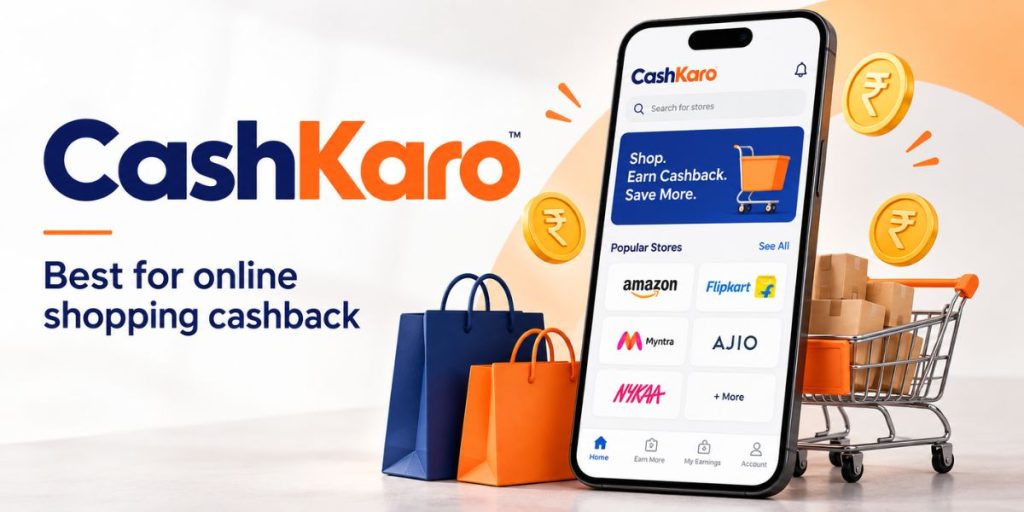
CashKaro is an online money-saving app that pays you real cashback, or Rewards on Amazon and Flipkart, when you shop at 1,500+ partner sites, including Amazon, Flipkart, Myntra, Ajio and Nykaa. Saving apps grow what you set aside. CashKaro shrinks what you spend on things you were already going to buy.
Here’s how it works. A store pays CashKaro a commission when you shop through its link. CashKaro passes most of that commission back to you as cashback. The price you pay at the store stays the same.
How to save money with the CashKaro app
- Sign up for free on CashKaro.
- Search for the store you want, check its cashback rate and offer terms, and tap the orange button to go to the store.
- Add products to your cart only after you arrive from CashKaro. Then shop and pay as usual. Cash on delivery orders count too.
- Your cashback usually tracks as pending within 72 hours. It is confirmed later, typically after the retailer’s return or cancellation period has ended, so the confirmation time may vary by retailer.
- Once your cashback amount is confirmed, move your cashback to your bank account or take an Amazon or Flipkart gift card. Amazon and Flipkart orders earn Rewards instead of cashback, and Rewards are paid only as gift cards.
Important: CashKaro cashback comes on top of coupon discounts. Use only the coupon codes listed on CashKaro, though. A code picked up from another site can stop your cashback from tracking.
Why CashKaro is a trusted money-saving app
Swati and Rohan Bhargava founded CashKaro in 2013, and the late Ratan Tata was among its investors. In May 2026, CashKaro reported that it has paid out over ₹2,000 crore in cashback to users so far. In FY26, it drove over ₹10,000 crore in sales for its partner brands.
Two habits keep your cashback safe. Always start from CashKaro, because visiting the store directly earns no cashback. And after you click out, don’t open another coupon or price comparison site before you pay. That site can get credit for your order instead.
- Best for: anyone who shops online even twice a month
- Skip it if: you buy almost everything offline
Want more ways to save while spending? See our guides to the best cashback apps in India and the best coupon apps.
Earn a little extra, then save it: EarnKaro
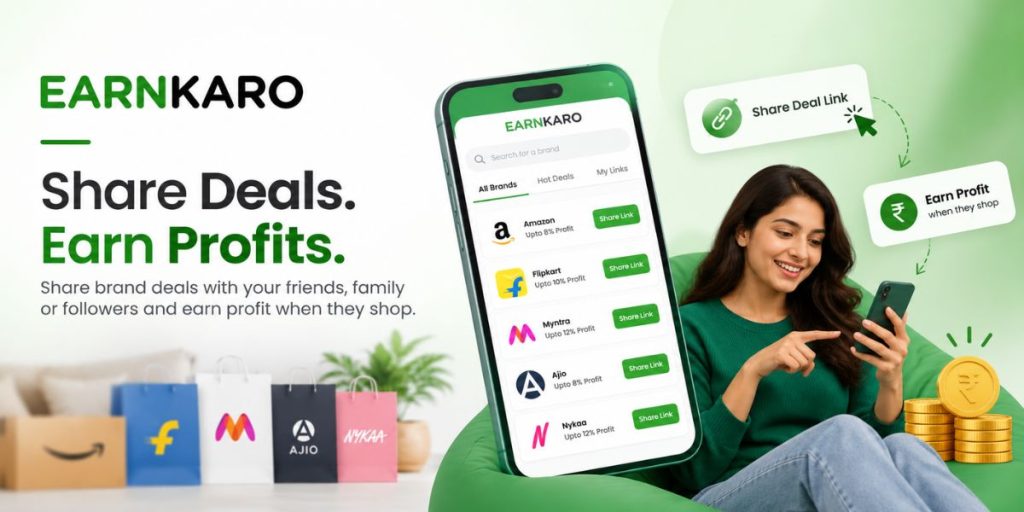
Saving apps shrink what you spend. EarnKaro adds to what comes in. It’s a free deal-sharing (affiliate) app from the founders of CashKaro. You share Profit Links for products from 200+ brands. When friends, family or followers shop through your link, you earn a share of the order value as Profit.
- Sign up for free on EarnKaro. You don’t need any documents to join.
- Make a Profit Link for a deal from a brand such as Flipkart or Myntra, and share it on WhatsApp, Telegram or Instagram. Label your posts #ad.
- When someone buys through your link and keeps the order, your Profit gets confirmed.
- Once you have ₹10 or more in confirmed Profit, transfer it to your bank account.
For illustration, say 20 people in your family group each buy ₹1,000 of clothes through your links at a 5% rate. (That’s an example rate; real rates vary by brand and category.) That’s ₹1,000 in Profit. Move it into your Jar or your RD, and the money you earned becomes money you saved.
In October 2026, EarnKaro said it has 30 lakh+ affiliate marketers and has paid over ₹40 crore to users. It also pays you 10% of the confirmed Profit of friends you refer, for life.
Keep expectations realistic. Your earnings depend on how many orders your links bring in, and cancelled or returned orders earn nothing. EarnKaro Profit is income, so it counts towards your taxable income. Joining is free, so treat any request for an “activation fee” as a scam.
• Best for: students, homemakers and anyone with an active WhatsApp or Telegram circle
• Skip it if: you don’t want to share links with your contacts
Best auto-savings apps in India: Jar, Gullak and PhonePe
Auto-savings apps are the best daily savings apps for people who never manage to save. They take the decision out of your hands. All three below save your money in 24K digital gold, so read the digital gold safety section further down before you start.
Jar: best daily saving app for beginners
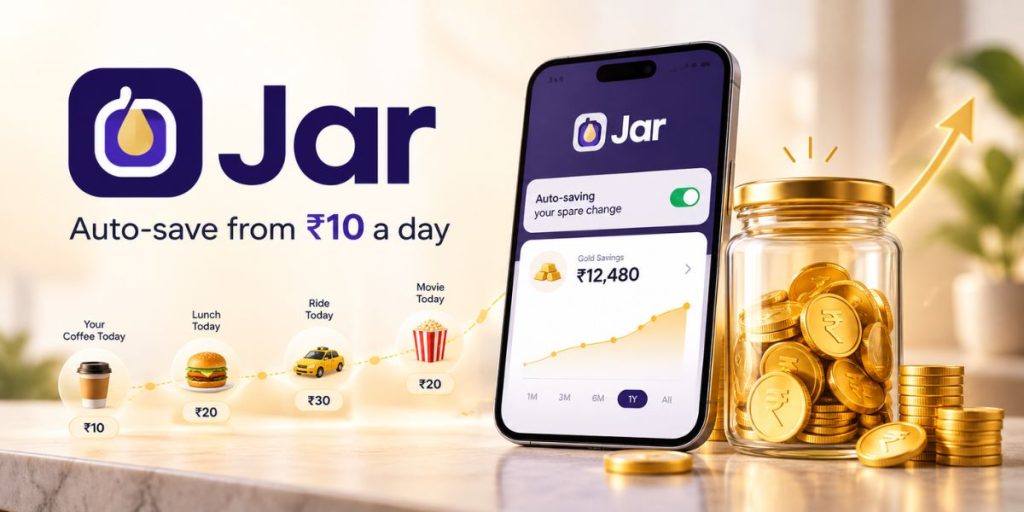
Jar is a simple savings app that helps you save small amounts regularly. Instead of keeping the money as cash, Jar uses your savings to buy 24K digital gold. You can choose an automatic savings plan such as ₹10 a day, ₹50 a week or ₹100 a month. You can also add money whenever you want or use the round-off feature, which saves the small difference left after certain digital payments.
Even a small daily amount can build a regular saving habit. For example, saving ₹10 every day adds up to ₹3,650 in a year. However, digital gold purchases attract 3% GST, so the full amount you pay is not invested in gold. When needed, you can sell your digital gold and transfer the money to your bank account. Jar also provides an option to convert eligible digital gold holdings into physical gold.
Jar is mainly useful for beginners who find it difficult to save a large amount at once. By automatically putting aside small amounts, it makes regular saving easier. In September 2025, Jar’s CEO told Business Standard that the platform had served 3.5 crore registered users since launch and that more than 95% of them were first-time savers.
- Best for: first-time savers, students and anyone with irregular income
- Skip it if: you need interest income or plan to withdraw within weeks
Gullak: best gold saving app for jewellery goals

Gullak helps you save small amounts regularly by investing them in digital gold. You can set up an automatic gold SIP through UPI AutoPay and choose to save daily, weekly or monthly. Daily SIPs start at ₹100. Gullak also has a “Save on every Spend” feature that rounds your online payments to the nearest ₹10 and invests the small difference in gold. The gold is purchased through Augmont.
The main advantage of Gullak is that you have several options when you want to use your savings. You can sell the digital gold and transfer the money to your bank account, order physical gold coins, or redeem your gold for jewellery at selected partner jewellers such as Tanishq, Malabar, Bhima, CaratLane and Kalyan.
Gullak can be useful if you are saving for a future gold purchase, such as wedding jewellery. Instead of buying a large amount of gold at once, you can save gradually over time and later use the accumulated gold toward your purchase.
- Best for: families saving for jewellery or a festive purchase
- Skip it if: you want your savings in rupees, not gold
PhonePe Daily Savings: best daily savings option for PhonePe users
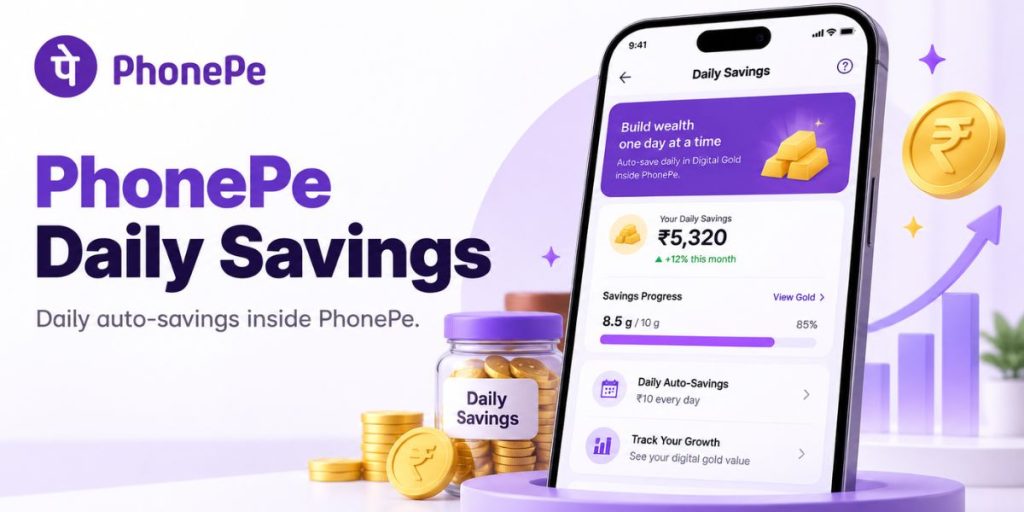
PhonePe launched Daily Savings with Jar in September 2024. You can save ₹10 to ₹5,000 a day in 24K digital gold, straight from the UPI app you already use. You can pause or cancel anytime, and redeem the gold for cash whenever you want.
- Best for: people who already pay everything through PhonePe
- Skip it if: you want round-offs on your everyday spends
Quick verdict: Jar is the best digital gold savings app for small daily habits. Gullak wins if the end goal is jewellery. PhonePe wins on convenience.
Best expense tracker apps in India: Axio, Money Manager and Jupiter
You can’t save money you don’t know you’re spending. The best app for managing money is the one that shows you the leaks: the ₹199 subscription you forgot, the ₹600 weekend food orders, the ATM cash with no trail. These three apps do that in different ways.
Axio (formerly Walnut): best expense tracker app for automatic tracking
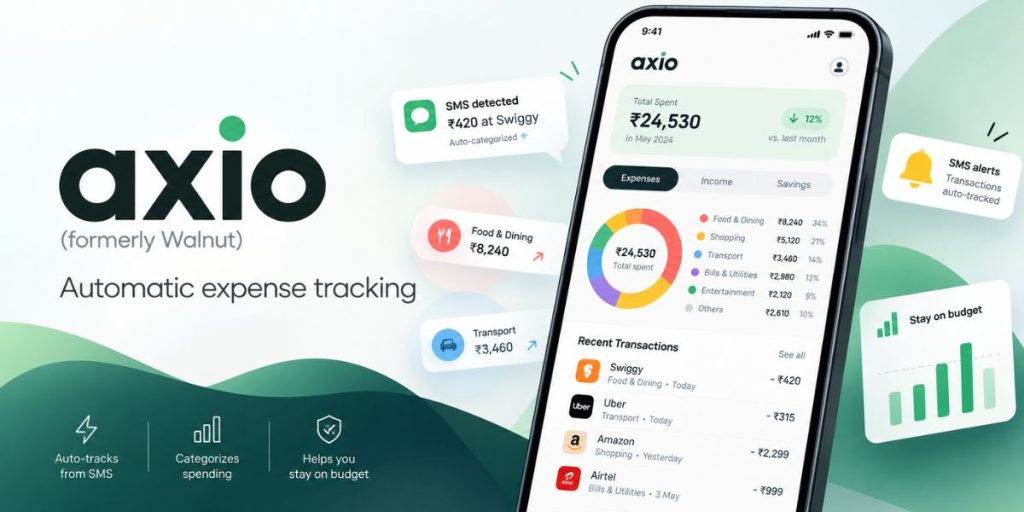
Axio brings the old Walnut, Walnut369 and Capital Float under one name. Its money manager reads the transaction SMS your bank and card send, then sorts each spend into a category. You don’t type anything in. It also tracks bills, shows bank balances and sends reminders before due dates.
One caution. Axio also offers pay-later plans and personal loans in the same app. Use it to track, not to borrow. A pay-later EMI on a phone you didn’t plan to buy undoes a month of careful saving.
- Best for: salaried people with several bank accounts and cards
- Skip it if: you don’t want an app reading your SMS inbox
Money Manager (Realbyte): best money manager app for manual budgeting
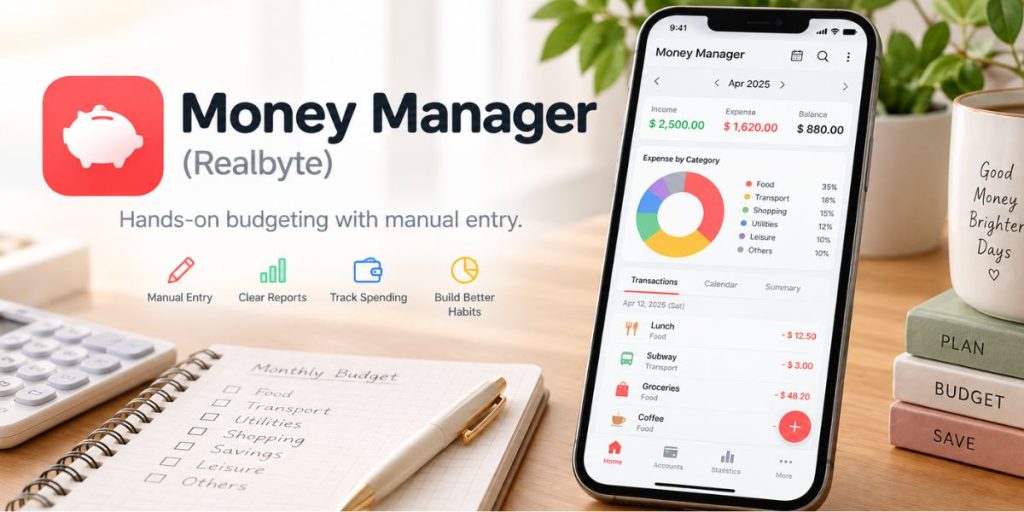
Money Manager by Realbyte is a manual expense tracker. You log each spend yourself, plan weekly, monthly or yearly budgets, and see charts of where the money went. You can lock it with a passcode.
Manual entry sounds like extra work, and it is. That’s the point. Typing in ₹350 for coffee three times a week makes the habit hard to ignore.
- Best for: privacy-minded users and anyone who pays a lot in cash
- Skip it if: you won’t open the app every day
Goodbudget: Best Budgeting App for Families Who Share One Budget

Goodbudget is an envelope budgeting app. You split each month’s income into digital “envelopes” such as rent, groceries and fuel, and spend from each one until it reaches zero. It works with rupees, but you enter each spend by hand because automatic bank sync works only with US banks.
The free plan has no time limit. It gives you 10 regular envelopes, 10 annual or goal envelopes, 1 account, 2 devices and 1 year of transaction history. The two devices sync, so you and your partner can spend from the same grocery envelope and both see what’s left. Premium costs $10 a month or $80 a year, but its main extra, bank sync, is for US banks. For most Indian households, the free plan is enough.
Annual envelopes are useful for big yearly costs. Example: Say Diwali shopping costs ₹12,000 a year. Put ₹1,000 a month into a Diwali envelope, and the money is ready by October instead of going on a credit card.
The free plan tracks only one account, so use your household’s main spending account.
- Best for: couples and families who want to share one monthly budget
- Skip it if: you want spends tracked automatically from bank SMS (use axio instead)
Jupiter: best savings app for goal-based saving
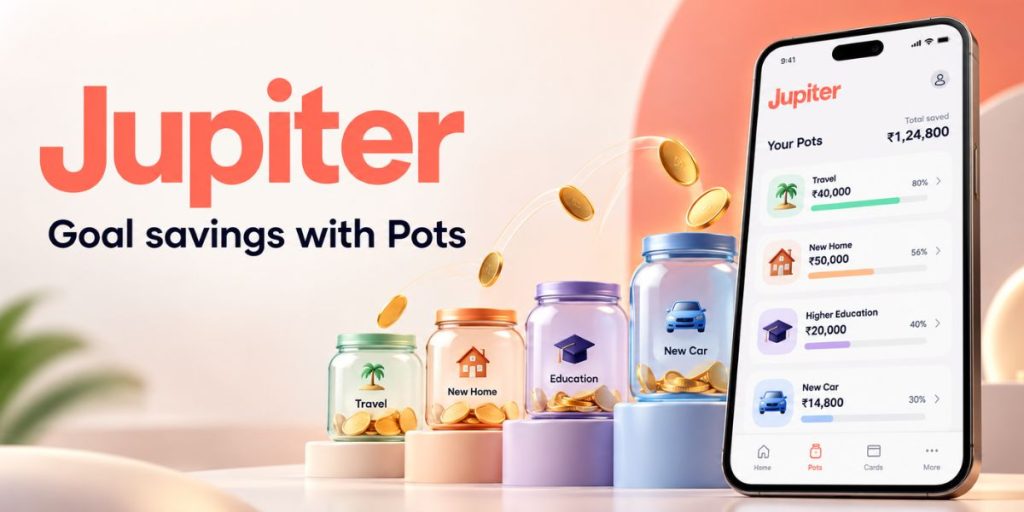
Jupiter lets you split money into Pots, one for each goal. Make a Goa trip Pot, an emergency Pot and a new-phone Pot, and add to each when you can. The app also shows your spending and cash flow, and serves over 3 million users.
Know what you’re holding. Jupiter states it is not a bank. The Jupiter Account is a prepaid payment instrument (a wallet-style account) issued by an RBI-authorised subsidiary, and money in it is not a bank deposit. Savings accounts and FDs on Jupiter are issued by partner banks such as Federal Bank and CSB Bank. Check in the app which account your Pots use.
- Best for: goal-based savers who like seeing progress bars
- Skip it if: you need DICGC cover and your Pots sit in the prepaid Jupiter Account
Quick verdict: Axio is the best expense tracker app if you want tracking done for you. Money Manager suits people who prefer privacy and manual control. Jupiter works best when you save towards set goals.
Best apps to save money and earn interest: Bank RDs and FDs
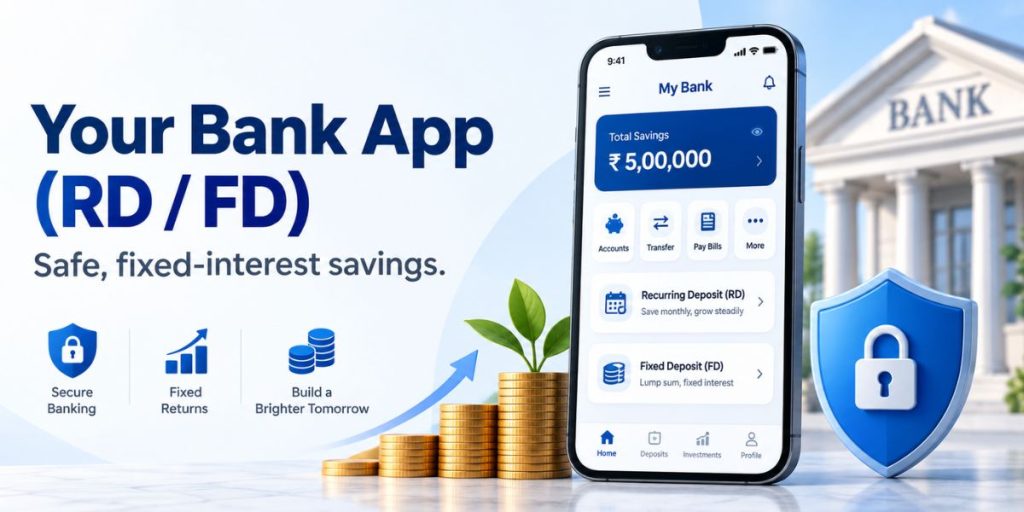
Digital gold pays no interest. Its value moves only with the gold price, up or down. If you searched for a money-saving app with interest, you need a deposit, not gold.
Two types of deposits pay a fixed rate:
- Recurring deposit (RD): the bank auto-debits a fixed sum every month and pays a fixed rate on it. A ₹2,000 monthly RD for 12 months locks away ₹24,000, plus interest.
- Fixed deposit (FD): you put in a lump sum once and earn a fixed rate for a set period.
Bank deposits are insured by DICGC, a subsidiary of the RBI, up to ₹5 lakh per person, per bank, with all your accounts at that bank pooled and principal plus interest counted together. That makes them the safest place for an emergency fund.
Bank Apps That Open RDs and FDs
The best savings app with interest is usually your own bank’s app. The deposit opens from your savings account in a few taps, and the money stays with a bank you already use.
1. ICICI Bank iMobile Pay
ICICI Bank customers can open an RD in iMobile Pay through the “Open Fixed/Recurring Deposit” option. The RD needs at least ₹500 a month, in multiples of ₹100 after that, and can run for up to 10 years. Only resident Indians can open one.
2. HDFC Bank MobileBanking
HDFC Bank lets you open an RD through MobileBanking or NetBanking. The minimum monthly instalment is ₹1,000. Choose the amount carefully, because HDFC Bank does not let you change the instalment after booking.
3. Axis Bank Mobile App
Existing Axis Bank customers can fund an FD in the app with money from another bank’s account, using UPI or net banking. FDs opened through the app or internet banking need at least ₹5,000. If you don’t bank with Axis, its Digital FD opens after a video KYC call, without an Axis savings account.
Third-Party Apps That Book FDs and RDs
Some apps that are not banks also book deposits. The app only places your money; the bank or NBFC that issues the deposit holds it. Check that name before you pay, because it decides whether DICGC cover applies.
4. Stable Money
Stable Money lets you compare and book FDs from 9 partner banks and 3 NBFCs, starting at ₹1,000 (rates listed as of March 2026). The NBFCs include Bajaj Finance, Shriram Finance and Mahindra Finance. An FD with any of these NBFCs has no DICGC cover, even when its rate tops the list.
5. Airtel Thanks
Airtel Finance launched an FD marketplace in the Airtel Thanks app in September 2024, with a ₹1,000 minimum and no new bank account needed. Its partners include Utkarsh Small Finance Bank, Shivalik Bank, Suryoday Small Finance Bank and Shriram Finance. The three banks’ FDs carry DICGC cover; the Shriram Finance FD, from an NBFC, does not
A simple setup works well. Schedule an RD to debit the day after your salary lands. You never see that money, so you never spend it.
How we picked the best money-saving apps
Every app here had to be live and usable in India in October 2026. We then judged each one on five points:
- Who regulates it: A bank deposit, a prepaid instrument and digital gold carry very different protection. We say which is which.
- How little you can start with: A good savings app should work for a ₹10 saver, not only a ₹10,000 one.
- What it costs you: Taxes like GST, buy-sell gaps, and hidden loan offers all eat into savings.
- How fast you can get money out: Savings you can’t reach in an emergency are a trap.
- Whether it still works the same way: Apps shut down, rename and pivot. We checked each one’s current status.
A trusted money-saving app should answer all five clearly. We checked each app against its official website, app store listing or regulator notices, as of October 2026.
Which app is best for saving money? A pick for every goal
The best app to save money is the one that fits how your money comes in and where it leaks out. Match yourself to a row below.
| Who you are | Best apps to start with | Why it fits |
| Student on pocket money | Jar + CashKaro | ₹10 a day fits any budget, and cashback on books, gadgets and clothes stretches a small allowance |
| Salaried, fixed income | axio + bank RD + CashKaro | Track every spend, save the day salary lands, and cut online shopping costs. |
| Family saving for jewellery or a wedding | Gullak + Goodbudget | Gold builds slowly for the event, and shared envelopes keep the household budget in check. |
| Freelancer or irregular income | Jar instant savings + Jupiter Pots | Save a chunk in good months, and park money for tax and rent in separate Pots. |
| Heavy online shopper | CashKaro | Cashback on every planned order, plus card rewards on the same payment |
| Student or homemaker with an active WhatsApp circle | EarnKaro + Jar | Earn from deals your circle already buys, then auto-save what comes in |
- How to save money as a student?
The best saving app for students starts small and never locks money away. Jar fits because you can begin at ₹10 a day. That adds up to ₹300 a month, small enough that you won’t miss it. Pair it with CashKaro for semester shopping like laptops, books and hostel essentials. On a big order, cashback can beat months of daily saving.
- How to save money from your salary?
Salaried people save best by moving money out before they see it. Set an RD or SIP to debit the day after payday. Then track what’s left in Axio and check its category view once a week. Look for the biggest leak first. Food delivery, cabs and subscriptions are the usual suspects.
How to combine money-saving apps with the 50-30-20 rule
The 50-30-20 rule splits your take-home pay three ways. 50% goes to needs like rent, groceries, EMIs and bills. 30% goes to wants like eating out, shopping and OTT plans. 20% goes to savings. Apps make each part almost automatic.
Take someone in Pune earning ₹50,000 a month after tax. The split is ₹25,000 for needs, ₹15,000 for wants and ₹10,000 for savings. Here’s how three apps cover it:
- Save first, on payday: ₹7,000 bank RD debits the day after salary arrives. Jar saves another ₹100 a day, about ₹3,000 a month. The ₹10,000 savings target is met before any spending starts.
- Track the needs and wants: Axio sorts every bank SMS into categories. At month-end, you see whether wants crept past ₹15,000.
- Spend the wants through CashKaro: Say ₹5,000 of wants goes on online shopping each month, and your stores average 4% cashback (an example rate; real rates vary by store). That’s ₹200 back every month, or ₹2,400 a year, for doing nothing different.
- Clean up once a quarter: Open your UPI app’s AutoPay list and cancel any subscription you didn’t use.
None of these steps needs willpower after the first setup. That’s what makes a money-saving app work: it removes the daily decision to save.
Is Jar app safe, and is digital gold regulated?
Jar is a legitimate, established app. Digital gold, the product it sells, is not regulated by SEBI. Those are two different questions, and most articles blur them.
The company behind the app is on solid footing. It turned profitable in the second half of FY25. The open question is the product wrapper. On 8 November 2025, SEBI issued a public caution on digital gold (PR No. 70/2025). It said digital gold is neither a security nor a regulated commodity derivative. So SEBI’s investor protection does not cover it. If a platform or its vault partner runs into trouble, you can’t turn to SEBI for help.
The same applies to Gullak, PhonePe and every other app selling digital gold. It is a category risk, not a Jar risk.
How to use digital gold apps safely
- Keep it a habit fund: Use Jar or Gullak to build the saving habit with small daily amounts. Keep your emergency fund in a bank deposit instead.
- Know the costs: You pay 3% GST on every purchase. Apps also quote a buy rate and a lower sell rate. Sell a week after buying, and you can get back less than you paid, even if gold prices didn’t move.
- Check where the gold comes from: The app should name its gold supplier and vault partner. Gullak, for example, states that it buys its gold from Augmont. If you can’t find this, don’t add more money.
- Use regulated gold for bigger sums: SEBI points investors to Gold ETFs (gold funds traded on the stock exchange) and Electronic Gold Receipts. Both come with SEBI oversight.
One way to use both: keep a Jar or Gullak for the small daily habit. If you later want to hold a larger amount of gold, look at the SEBI-regulated options instead of topping up digital gold.
Do Rocket Money, Acorns, Goodbudget and Empower work in India?
Search for “best money saving app” without adding “India”, and many top results are US lists. That’s why Rocket Money, Acorns, Goodbudget and Empower show up so often, even in Google’s AI answers. Only one of the four is useful in India.
| App | What it does | Works in India? | Use this instead |
| Rocket Money | Finds and cancels unused subscriptions, tracks spending | No. It works only with US-based banks. | The AutoPay or Mandates section of your UPI app, or NPCI’s UPI Help portal (upihelp.npci.org.in) to see mandates from all your UPI apps in one place. Axio for bill reminders. |
| Acorns | Rounds up card spends and invests the change in funds | No. New users must be US citizens or legal residents living in the US. | Jar or Gullak round-offs. These go into digital gold, not funds, and SEBI does not regulate digital gold. |
| Goodbudget | Envelope budgeting: you split income into spending “envelopes” | Yes. The app shows no currency symbols, so rupees work. You enter transactions by hand or upload a bank file, because automatic bank sync is for US banks only. Amounts are capped at 8 digits. | Goodbudget itself, or Money Manager (by Realbyte) |
| Empower Personal Dashboard | Net worth and investment dashboard | No. It can’t link non-US financial institutions. | INDmoney, which shows your net worth across Indian and US stocks, mutual funds, bank accounts, NPS and EPF |
The Rocket Money idea is worth copying, even without the app. Forgotten subscriptions are a quiet leak. Take three example plans: a ₹149 OTT plan, a ₹299 cloud storage plan and a ₹499 gym app. Together they cost over ₹11,000 a year. Under NPCI’s UPI AutoPay rules, every UPI app has a Mandate section where you can view, pause or revoke these debits. Check it once a quarter and cancel what you don’t use.
Goodbudget’s free version gives you 10 regular and 10 annual envelopes. Use them for rent, groceries, fuel, school fees and Diwali shopping. When an envelope hits zero, stop spending from it.
Money saving apps to skip or double-check in 2026
Several popular lists still rank apps that have changed or shut down. Check these before you download.
- Fi Money: still ranked #1 on some lists, but no longer a banking app. In March 2026, Fi began winding down banking services on its platform. New users can no longer open savings accounts through it. Old accounts stay open with Federal Bank and are now used through its FedMobile app.
- Walnut: the app still works, but under the name axio. Search for axio on the Play Store, not Walnut.
- Acorns, Rocket Money and Empower: popular in the US, not usable with Indian bank accounts. See the table above for Indian swaps.
- Any app promising guaranteed returns on gold: gold has no guaranteed return. Fixed rates come from deposits and small savings schemes, not gold.
A quick test works for any savings app you find. Ask who holds your money, and which regulator covers it. If the app can’t answer both in plain words, keep your money out.
Final verdict: Build a money-saving app stack
No single money-saving app does everything well, and some all-in-one apps sell loans and pay-later plans on the side. Build a small stack instead. Use Jar or Gullak to make saving automatic. Use Axio or Money Manager to find your leaks. Use CashKaro to pay less for what you buy online, and if you want to earn a little extra, add EarnKaro and save what it pays you.
Keep digital gold as a habit, not a safe. Put real savings in a bank RD or FD with deposit insurance. Most importantly, set it all up once, on payday, and let the apps do the remembering.
FAQs
Which app is best for saving money in India?
Jar is the best app for saving money automatically, starting at ₹10 a day in digital gold. Axio is the best app for tracking expenses, and CashKaro is the best money-saving app for online shopping. Most people save more by using one from each group.
Is Jar app safe?
Jar is a legitimate app, profitable since the second half of FY25, that holds your savings as 24K digital gold. Gold itself is not regulated by SEBI, which cautioned the public about digital gold in November 2025. Use Jar for small daily savings, and keep your emergency fund in a bank deposit.
Is EarnKaro a money-saving app?
No, EarnKaro is not a direct money-saving app. It is an affiliate marketing platform that lets you earn Profit when someone shops through your shared links. This extra earning can help you save more over time.
Is digital gold regulated by SEBI?
No. SEBI said in November 2025 that digital gold is neither a security nor a regulated commodity derivative. For regulated gold, use Gold ETFs or Electronic Gold Receipts through a SEBI-registered broker.
Which money-saving app gives interest?
Your bank’s own app gives the safest interest, through a recurring deposit or fixed deposit. DICGC insures bank deposits up to ₹5 lakh per depositor per bank, including interest. Digital gold apps like Jar and Gullak pay no interest, since gold earns only through price changes.